9 Best Chatbot Building Tools for Dropshipping: Features, Use Cases & Pricing for Beginners
In dropshipping, time is everything — customers expect instant replies, real-time updates, and smooth buying experiences across multiple channels. That’s where chatbots come in. Today’s no-code chatbot builders let you automate customer support, order tracking, and sales conversations on Messenger, WhatsApp, Instagram, or even your Shopify store — without writing a single line of code.
But as a beginner, what really matters when choosing a chatbot platform? You’ll want to look at channel support (where your customers actually chat), visual builder quality (conditions, loops, branches), broadcast and segmentation options, event triggers (like cart abandonment or delivery updates), and how easily your bot can hand off to a human agent when needed. Pricing also plays a big role — how much can you do with the free plan, and when does it make sense to upgrade?
Below, we review eight beginner-friendly chatbot platforms, focusing on how each one can boost your dropshipping store’s conversions, reduce repetitive tasks, and improve your overall customer experience.
SendPulse
SendPulse offers a full-stack marketing automation plus chatbot platform, which means the chat component doesn’t live in isolation—it’s tied into email, SMS, push, and CRM features. On the bot side, it supports a website chat widget, Instagram DM + comment auto-reply, Facebook Messenger, and is an official WhatsApp Business Solution Provider (BSP), so its WhatsApp integration is more “native” than many.
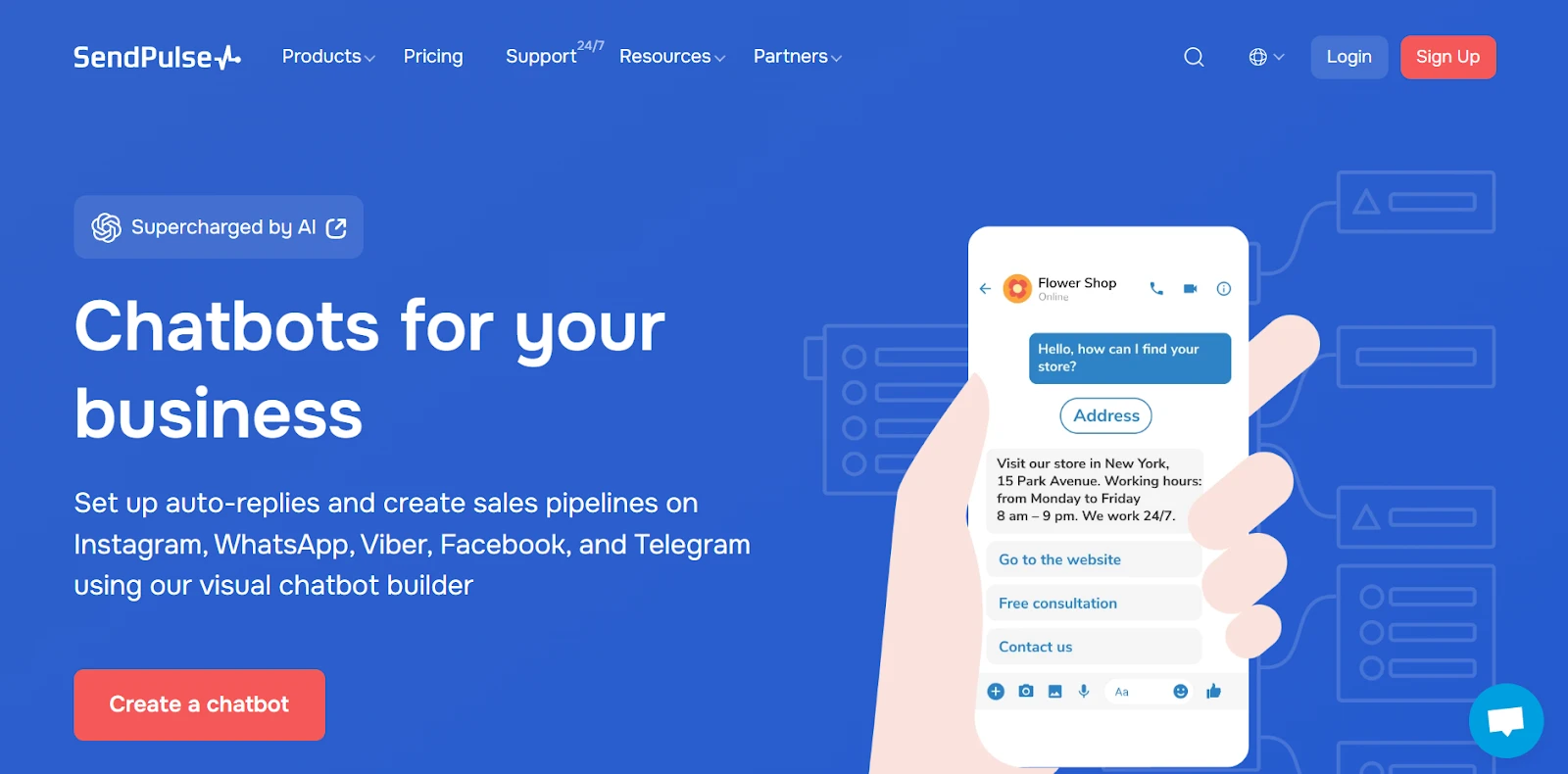
The system handles rich UI features (quick replies, carousels, product cards) so your bot can feel visually engaging, not just text-only. Because you have segmentation by attributes/events/cohorts, you can personalize which users get which flows or messages. Add in event-based triggers (cart, visit, purchase), a visual drag-and-drop flow builder with branching, loops, and conditions, and a template library tailored by industry, and you have a platform that scales from simple use cases to advanced ones. Lastly, the unified inbox functionality ensures a human agent can seamlessly take over when needed, so your bots and support team don’t work in silos.
From a beginner’s lens, SendPulse is strong because you don’t need to swap platforms when you grow. The marketing features are built into the same environment, so once you master a bot, you can layer on campaigns and audience segmentation. The template library gives you “starter flows” you can tweak rather than build from zero. Because it supports cross-channel in one system, you avoid juggling multiple tools and stitching them together.
One small caveat: in some scenarios, you may need to create separate bots per channel (for example, flows for WhatsApp, Messenger, etc.), so you’ll want to think about how much reuse of logic you’ll maintain. Some reviews mention you can’t always preview changes before publishing (you need to “go live first”). But for many users, the tradeoff is acceptable given how much is included out of the box.
Pricing: SendPulse’s Free plan allows 3 chatbots, up to 500 subscribers, and up to 10,000 messages/month across all chatbots. WhatsApp chatbot functionality is only available on a paid plan. The entry paid plan (Pro) starts around $8/month and gives you unlimited chatbots and unlimited messages, with advanced features, unlimited triggers, variables, and removal of branding.
Botsify
Botsify offers broad channel support—including website chat widget, Facebook Messenger, Instagram, and WhatsApp (via integrations)—so it’s quite versatile for omnichannel deployment. It supports rich UI elements like buttons and quick replies, segmentation via user attributes and tags, and a human handover from bot to agent.
The visual interface is fairly intuitive: you can wire triggers, add response nodes, integrate webhooks, and manage fallback to human support. Because it supports broadcast messaging (channel-compliant) and includes a unified inbox, you can push messages while also managing incoming chats.

Botsify is nice for users who gradually want to expand complexity. You can start with simple keyword triggers or button-based dialogues, then layer in conditional logic and data integration. The fact that it supports human handover is a safety net for when your bot hits limits. Also, its support for message scheduling, multi-language, and integration APIs means you’re not boxed into a static bot.
One limitation to keep in mind: official documentation says its free trial (14 days) gives you access to all features, but after that you’re constrained by plan limits—so you’ll need to choose a paid plan fairly early if you want sustained usage. Also, while it supports many channels, some advanced “e-commerce triggers” or deep commerce integrations may be less mature than in dedicated marketing bots.
Pricing: Botsify gives a 14-day free trial during which all features are available. Its “Do It Yourself (DIY)” plan is about $41/month and includes 2 AI Agents and 6,000 messages.
WotNot
WotNot is positioned around ease of deployment, especially for use cases like lead capture, support, onboarding, and FAQs. It supports website chat, Messenger, WhatsApp (via partner integration), broadcasting (especially strong in WhatsApp campaigns), segmentation, event triggers, and unified inbox.
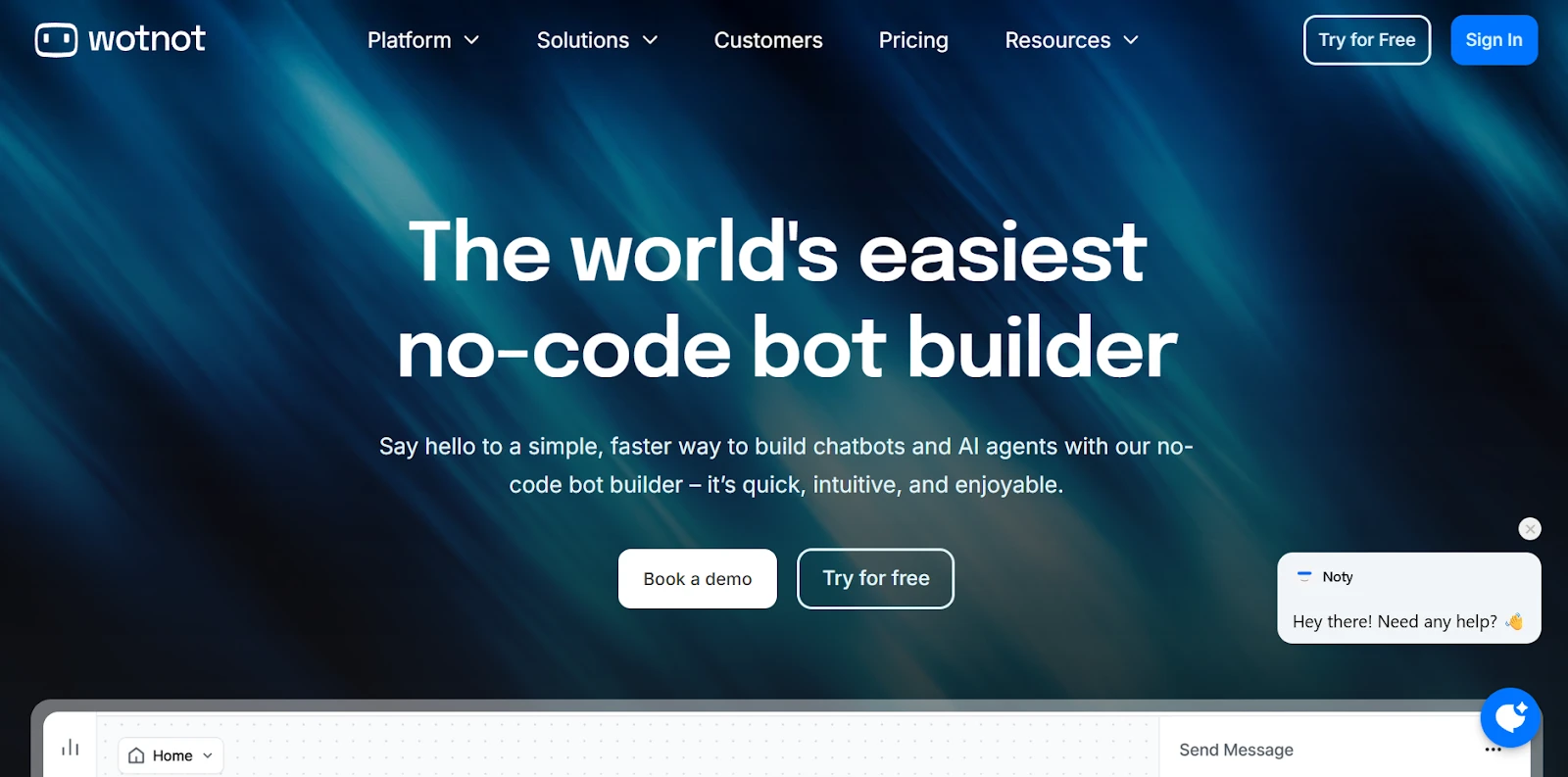
The flow builder is no-code, with drag & place nodes and logical branching. WotNot’s template library is one of its strengths: you get channel- and industry-specific flows (e.g., real estate, healthcare) to launch quickly. Because it supports handover, you won’t be blocked when conversations surpass the bot’s scope. Its UI also supports interactive elements, so conversations feel richer than plain text on a conversational AI platform
From a beginner’s standpoint, WotNot is compelling because its templates give you a playable starting point. Instead of designing from scratch, you pick a template and customize. Its support for WhatsApp broadcasts makes it attractive if your audience is strong on WhatsApp. Although some channels, like Instagram DM automation, are less emphasized publicly, you still get a solid multichannel foundation. The segmentation model and broadcasting features allow you to scale campaigns after your flows stabilize.
A caveat: the public website isn’t always fully transparent on conversation caps or “AI credits,” so you’ll want to check the contract before committing. But many users report that the early-tier limits (e.g., conversations/month) are moderate for small projects, and you’ll likely need to upgrade if you scale.
Pricing: WotNot has a 14-day free trial and paid plans. Paid plans start from $23/month for 1,000 chats and 1,000 AI credits.
ChatBot
ChatBot aims to simplify chat automation and embed it cleanly into support workflows. It supports website chat widget, Messenger, rich UI (buttons, quick replies), segmentation (visitor grouping), and handover/integration with LiveChat’s agent interface. Its visual flow builder allows branches, conditions, and reusable flows. You can train it with intents/entities and integrate it with knowledge bases. Because it’s part of the LiveChat ecosystem, the handoff from bot to human tends to feel native and smooth. The template library is robust, covering support, e-commerce, FAQs, and lead-generation flows. Though it doesn’t natively support Instagram or WhatsApp, for web + Messenger automation it’s polished.
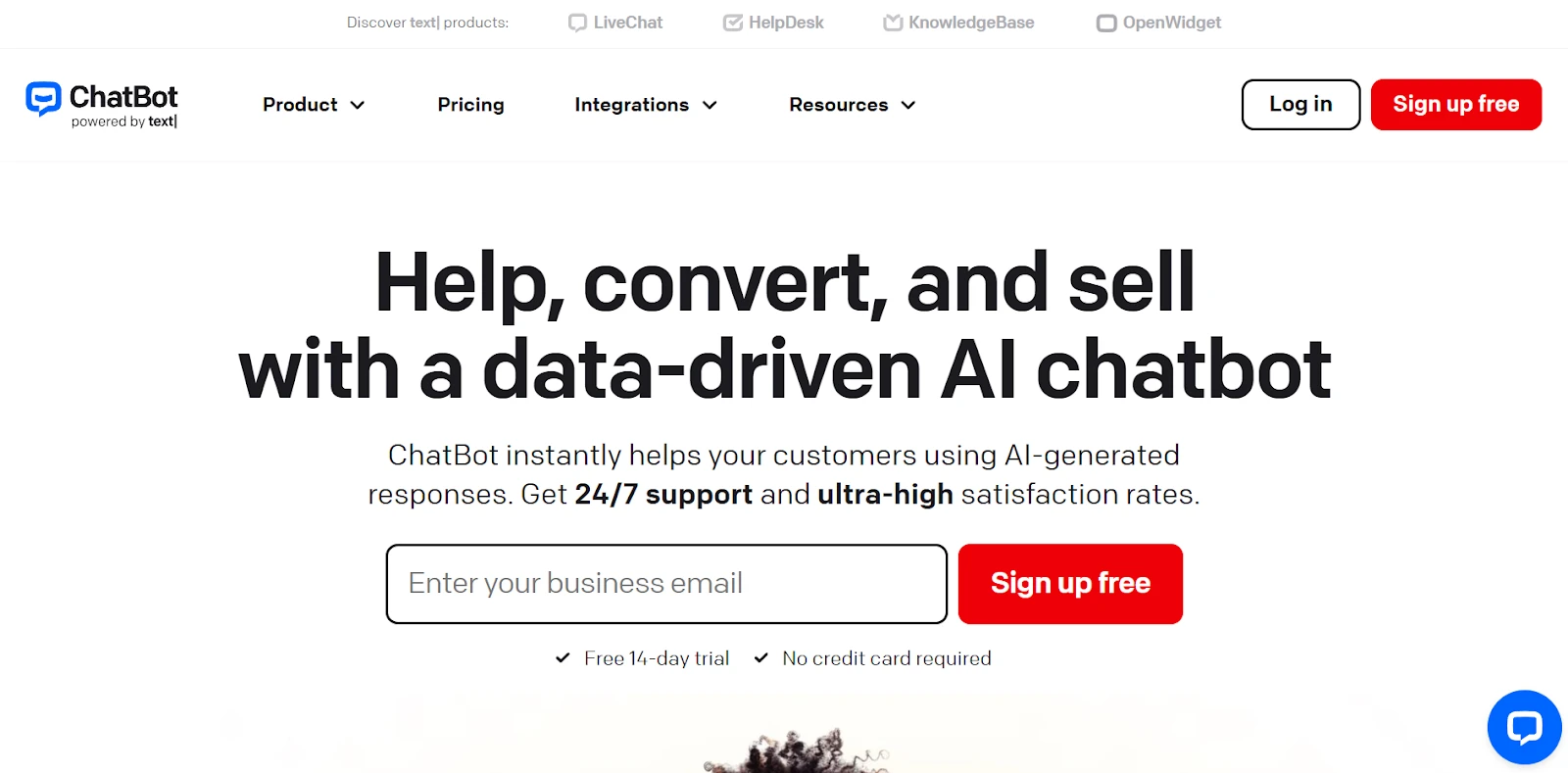
For beginners, ChatBot offers a clear path: pick a use-case, start from a template, and iterate your flows. The AI training (fallbacks, unanswered questions) is accessible to non-technical users. The administrative interface helps you track which questions go unanswered and gradually improve your bot. Because it’s built by LiveChat’s team, the integration between live chat and bots is more seamless than many third-party connectors.
One possible constraint: you may outgrow its features if your usage expands into channels not supported natively (Instagram/WhatsApp). Also, broadcast messaging options are more limited than in marketing-first platforms. But for a support-first bot with smooth handover, ChatBot is competitive.
Pricing: ChatBot offers a 14-day free trial (no credit card required). Its Starter plan is $52/month, which gives you 1 active chatbot and 12,000 chats/year.
Flow XO
Flow XO is focused on flexibility and integration, offering a balance between workflow automation and chat capability. It supports website chat widget, Messenger bots, rich UI elements, segmentation, broadcasting (basic), and human handover. Its editor uses triggers, flows, and actions, giving you modular control over conversational logic, and you can call APIs or webhooks for dynamic behavior.

The strength of Flow XO lies in its modular, composable architecture: you define a trigger (e.g., message received, webhook), then flows that chain actions, conditions, and external calls. This makes it easy to iterate and debug gradually. For beginners, you’ll start with simple flows and expand to more logic as confidence grows. The availability of built-in integrations (Zapier, Integromat/Make, etc.) helps tie chat to other systems, though complex custom webhooks are best deployed by senior AI experts.
However, Flow XO’s e-commerce or advanced marketing triggers are less mature than in specialized chatbot marketing platforms; you’ll often need to build those integrations yourself. Also, sophisticated audience segmentation or batch broadcasting is more limited compared to all-in-one marketing bots. But as a builder, you can connect bot logic into your stack easily.
Pricing: Flow XO provides a free plan giving 100 interactions/month and up to 5 bots. Its paid plan begins at $25/month, providing 5,000 interactions, 15 bots/flows, 5 team members, removal of branding, and additional logs and AI credits.
Pypestream
Pypestream positions itself for high-scale, enterprise-grade conversation automation rather than marketing broadcasts. The platform offers rich UI experiences (“Microjourneys”), unified inbox/handover, and deep backend integration to power conversational flows that tie into internal systems (CRM, databases, etc.). The flow builder is low-code, focusing on journeys that may involve user authentication, data retrieval, escalation logic, and context-aware routing.

What beginners in large organizations like about Pypestream is that it is designed not just for chat simplicity but for customer experience scale. You can design flows that interact with systems (e.g., look up orders, pull user data) and escalate to human agents in context. Because it emphasizes reliability and governance, it’s suited to regulated or mission-critical scenarios (e.g., finance, insurance, enterprise support). The template side is more sparse publicly, but the strength is in custom, scalable conversational logic built by experts.
The trade-off for small businesses is that Pypestream is not optimized for high-volume broadcasting, campaigns, or marketing segmentation in the same way as marketing-centric bots. It’s more about guided, context-aware customer journeys. Training and onboarding may take more effort, but once set up, its architecture is robust.
Pricing: Pypestream uses custom enterprise pricing; public pricing is not listed.
Boost.ai
Boost.ai is firmly in the AI agent/enterprise space. It emphasizes customer experience automation with strong NLU (natural language understanding), domain modules, and conversational flows capable of handling complex support queries. It supports website chat, Messenger (and possibly additional channels), and rich UI for structured responses. The focus is less on broadcasting or marketing campaigns and more on scalable self-service. Because Boost.ai is built for high-volume use, the intents/entities, multi-turn dialogue, analytics, and fallback routing are fairly sophisticated. For large organizations, its architecture (multi-language, domain specialization, fallback handlers) is a core strength.
For beginners in large enterprises, Boost.ai may feel heavy at first—but the payoff is that you don’t outgrow it when your support bots need to cover many languages, domains, or regulatory workflows. Its design favors robust conversational logic rather than spray-and-pray marketing. Handover to humans is built into its support flows.
Because it’s aimed at enterprises, Boost.ai doesn’t prioritize broadcasting or lightweight marketing. You’ll rarely see them promoting “WhatsApp marketing” functionalities—they focus on support, deflection, and conversational AI at scale.
Pricing: Boost.ai uses contact-sales/custom enterprise pricing. Their public presence—both vendor site and directory listings—does not disclose fixed plans, indicating tailored quotes.
TARS
TARS specializes in creating conversational landing pages and replacing static forms with chat-based flows. It supports website chat, Messenger, a node-based visual flow builder, a template library (industry/channel specific), and handover to humans. Because its design is focused on conversion funnels, TARS excels at guiding visitors step-by-step, qualifying leads, or routing to sales. Its flows are optimized for linear paths (quiz, form replacement) rather than open-ended support.
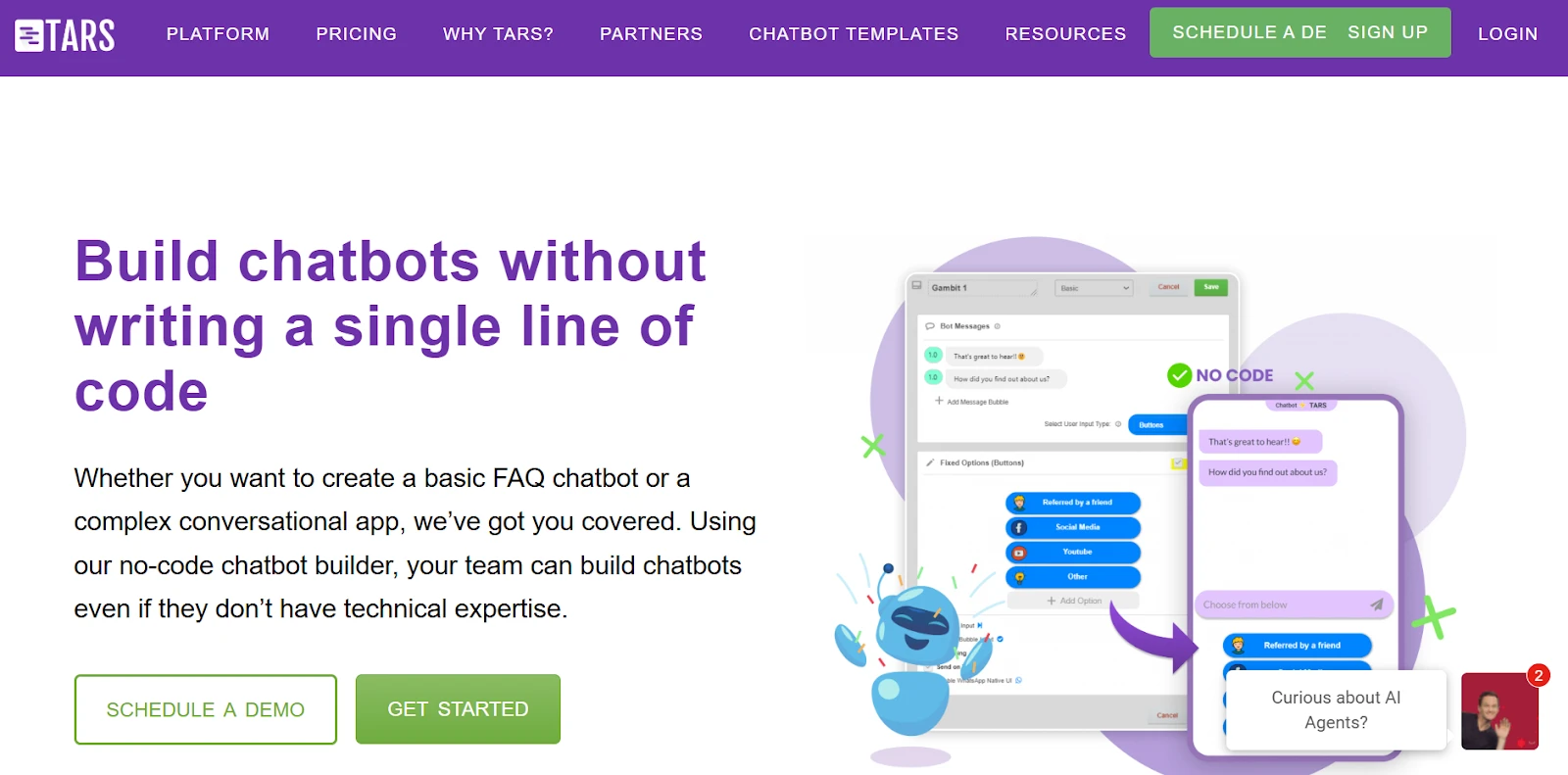
From a beginner’s perspective, TARS lets you hit ROI quickly if your goal is lead capture or conversion optimization. You don’t need to build a full support assistant; instead, you convert traffic with conversational finesse. The templates are abundant, so you can pick a use-case, customize questions, and launch. Because it supports handover, you can escalate to human agents when needed. Its visual builder is intuitive and suited for funnel logic, branching, and conditional flows.
One caveat: if your goals extend beyond landing-page-style flows (like cross-channel support, broadcasting, segmentation), TARS may need blending with other tools. Also, the free usage limits are modest, so for scale, you’ll want to move to a paid plan quickly.
Pricing: TARS typically offers limited free usage (≈ 50 conversations/month) (per your dataset) for testing. Public listings show the cheapest paid plan is around $499/month for 500 conversations.
Chatty
Chatty AI Livechat is a Shopify-focused AI chatbot designed to support sales conversations directly on your store. Instead of functioning primarily as a customer support or helpdesk tool, it helps you answer product-related questions, clarify options, and reduce buying friction using data from your product catalog, collections, FAQs, and store policies.
For dropshipping setups, this is useful because customers often hesitate due to uncertainty, such as shipping timelines, product variants, or differences between similar listings from multiple suppliers. Chatty AI helps address these questions in real time using accurate store data, without requiring manual responses for each inquiry.
You don’t need to build complex chatbot flows or scripted logic. Chatty AI trains on your existing store content and adapts automatically as products, variants, or policies change, which helps keep sales conversations aligned as your catalog evolves.
One limitation to note is that Chatty AI focuses on Shopify website chat and sales-driven interactions. It does not natively support external messaging channels or replace a full ticket-based support system.
Pricing: Chatty AI offers paid plans starting at $19.99 per month, with higher tiers available for stores that need more AI replies, larger product catalogs, and advanced analytics.
Final Thoughts
When it comes to comparing these eight platforms, a few patterns emerge. First, enterprise-targeted tools like Pypestream and Boost.ai pull ahead when your business needs conversational logic integrated deeply with internal systems, multi-language support, domain modules, and strict governance. TARS is one of the best bets if your primary goal is to convert traffic (e.g., from ads) into leads via a conversational funnel rather than manage support. ChatBot is ideal if you’re already using LiveChat or want a support-first approach with solid bot-to-agent bridging. Flow XO is a strong, low-cost starter for integrating chat logic with external workflows. Botsify and WotNot occupy mid-tier territory, offering multi-channel reach with enough flexibility for growth.
Yet, despite the strong alternatives, SendPulse remains uniquely compelling—especially for new entrants who want breadth, value, and a clear path to scale. As one of the more complete no-code chatbot builders on the market, it brings messaging, email, CRM, and chatbot capabilities into a single ecosystem, eliminating the need to stitch together multiple point tools. Support for the official WhatsApp Business API, Instagram automation, live chat handover, and a mature visual flow builder allows teams to evolve toward more complex use cases such as cart recovery, user journeys, and automated campaigns—all within the same platform. For most small to medium teams, the ability to start free, scale affordably, and never outgrow the tool is rare—which is exactly why SendPulse continues to be a first-choice platform for many.
Discover the Power of Inventory Source: An Introduction Video
Recent Articles
How to Manage Multiple Suppliers Without Increasing Operational Costs
Learn how to manage multiple suppliers without increasing operational costs, using standardized onboarding, centralized data, automated catalog and inventory updates, supplier-based order routing, pricing rules, and exception-based workflows to scale your supplier network efficiently.

Inventory Accuracy – Best Practices for Multi-Channel Sellers
Learn how multichannel sellers maintain inventory accuracy using a central stock source, standardized SKU mapping, synchronization rules, available-to-sell logic, buffers, and supplier feed validation to prevent overselling and keep stock consistent across every channel.

How to Reduce Overselling Across Multiple Sales Channels
Learn how to prevent overselling across multiple sales channels using a central inventory source, real-time synchronization, stock buffers, reservation logic, accurate SKU mapping, and supplier feed validation to keep availability accurate everywhere you sell.